





















Never miss a pre-order, subscribe to our newsletter
It’s super easy to unsubscribe if you decide to do so in the future

SIGNATURE SERIES PRE-ORDERS, SIGNED BY CREATORS, ALWAYS COVER PRICE, WITH A CERTIFICATE OF AUTHENTICITY
SIGNATURE SERIES PRE-ORDERS SIGNED BY SUPERSTAR WRITER MARK WAID, ALWAYS COVER PRICE, WITH CoA!
LATEST PRE-ORDERS, INCLUDING SIGNATURE SERIES, ALWAYS COVER PRICE, ALWAYS WITH A CoA!
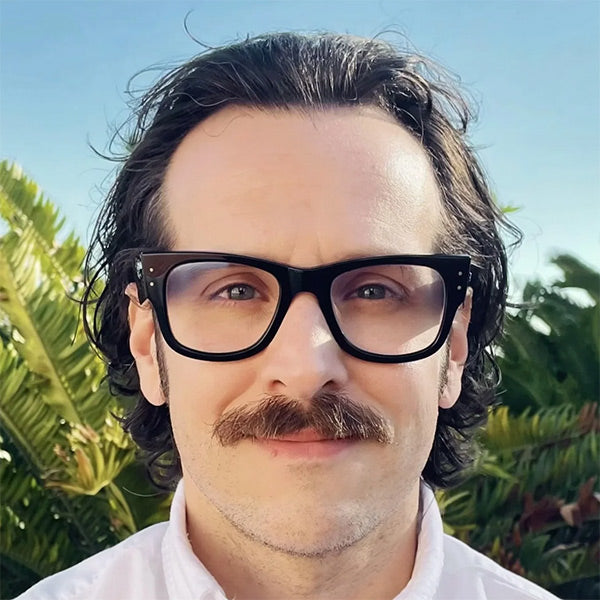
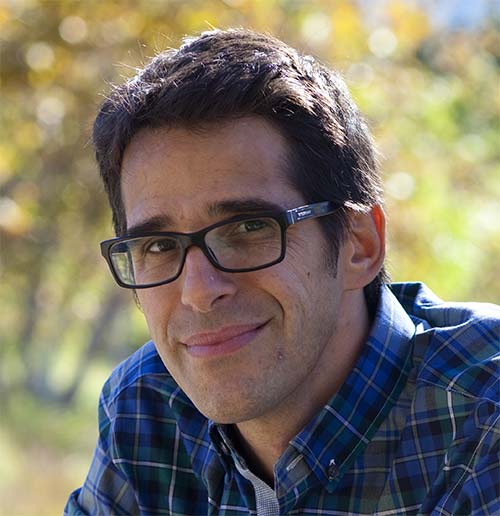
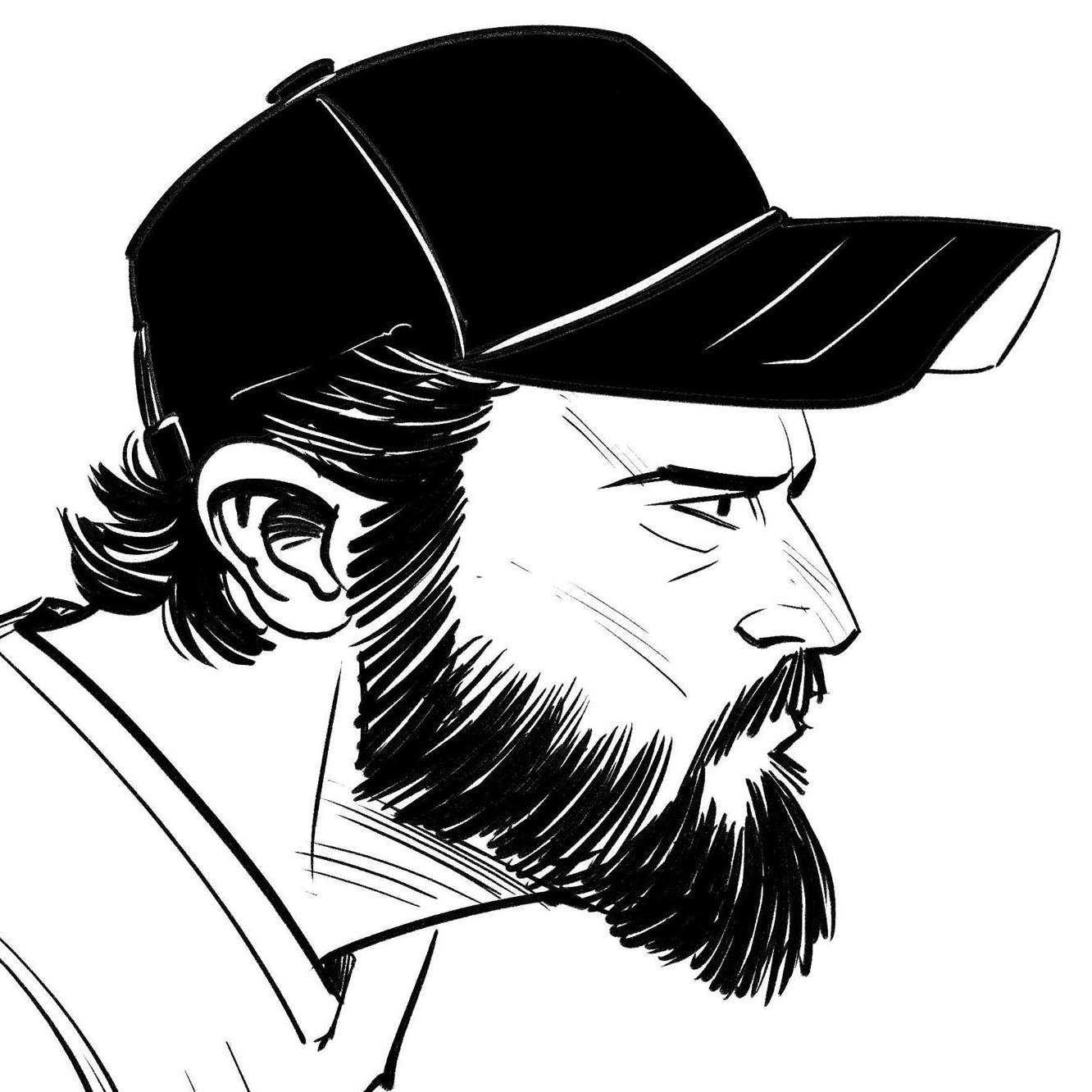
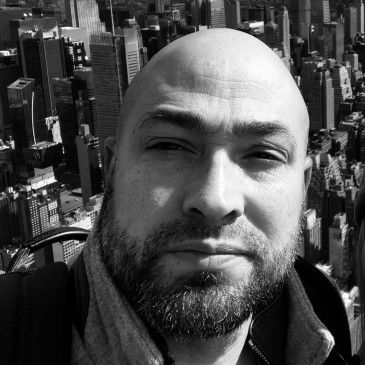
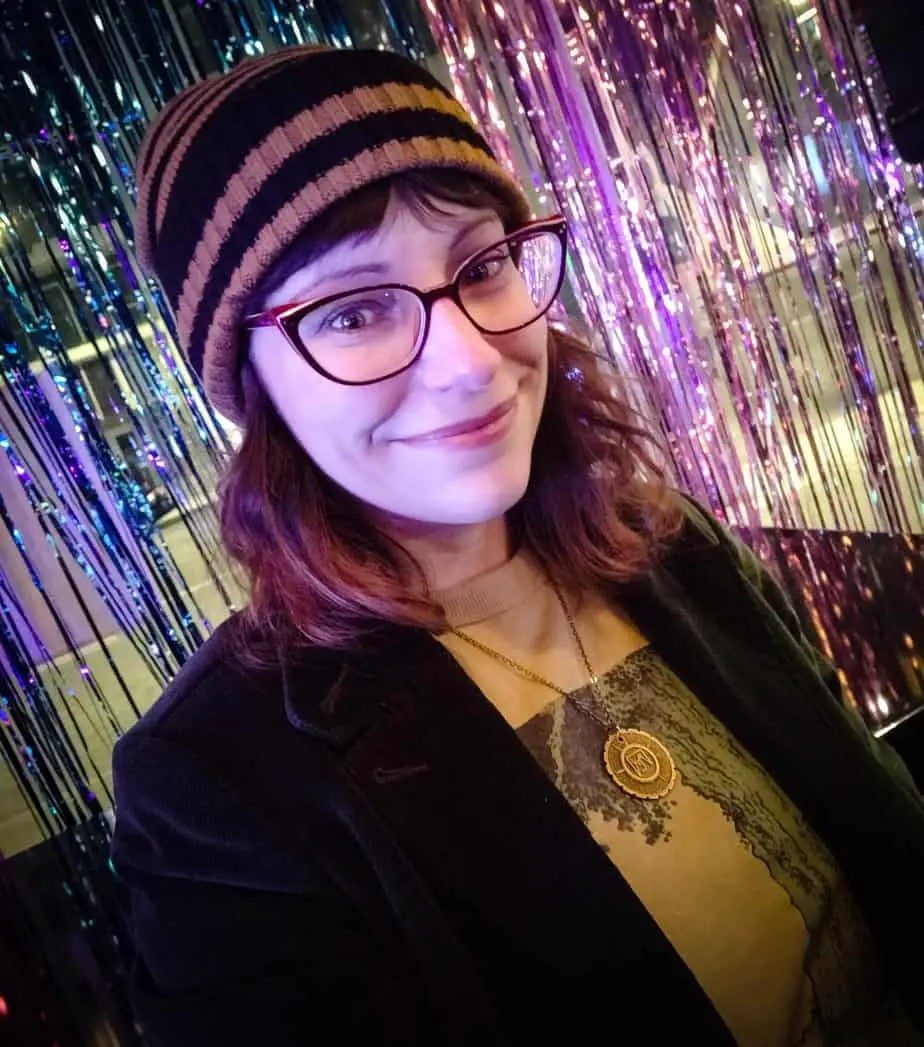
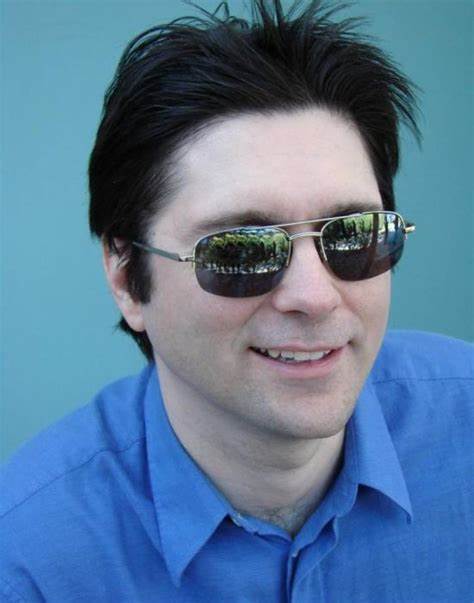
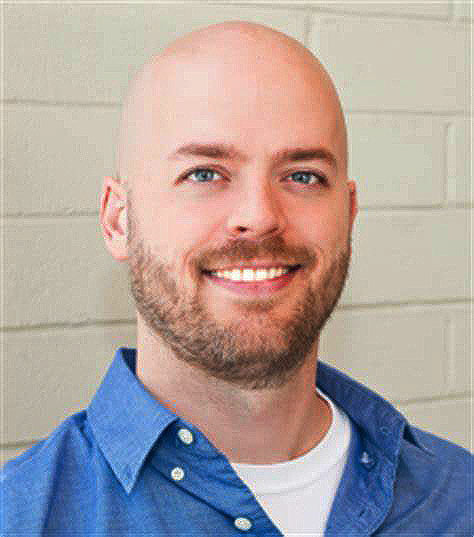
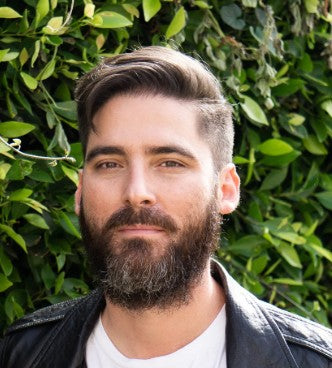
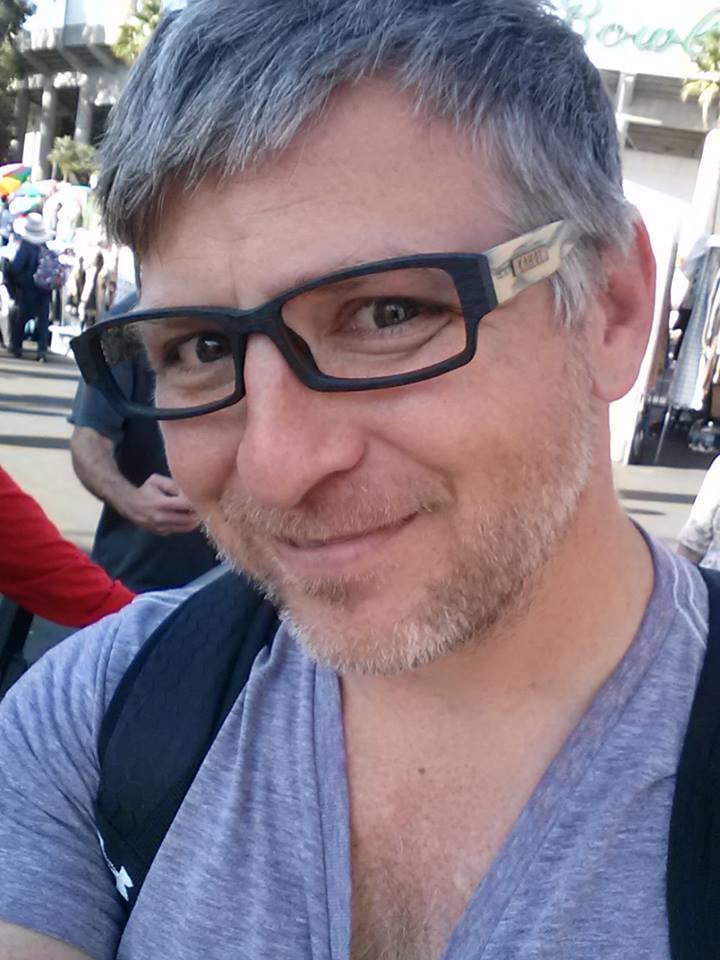
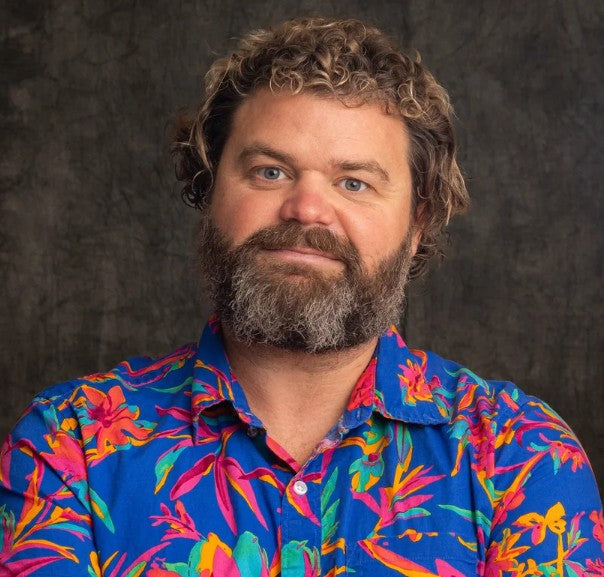
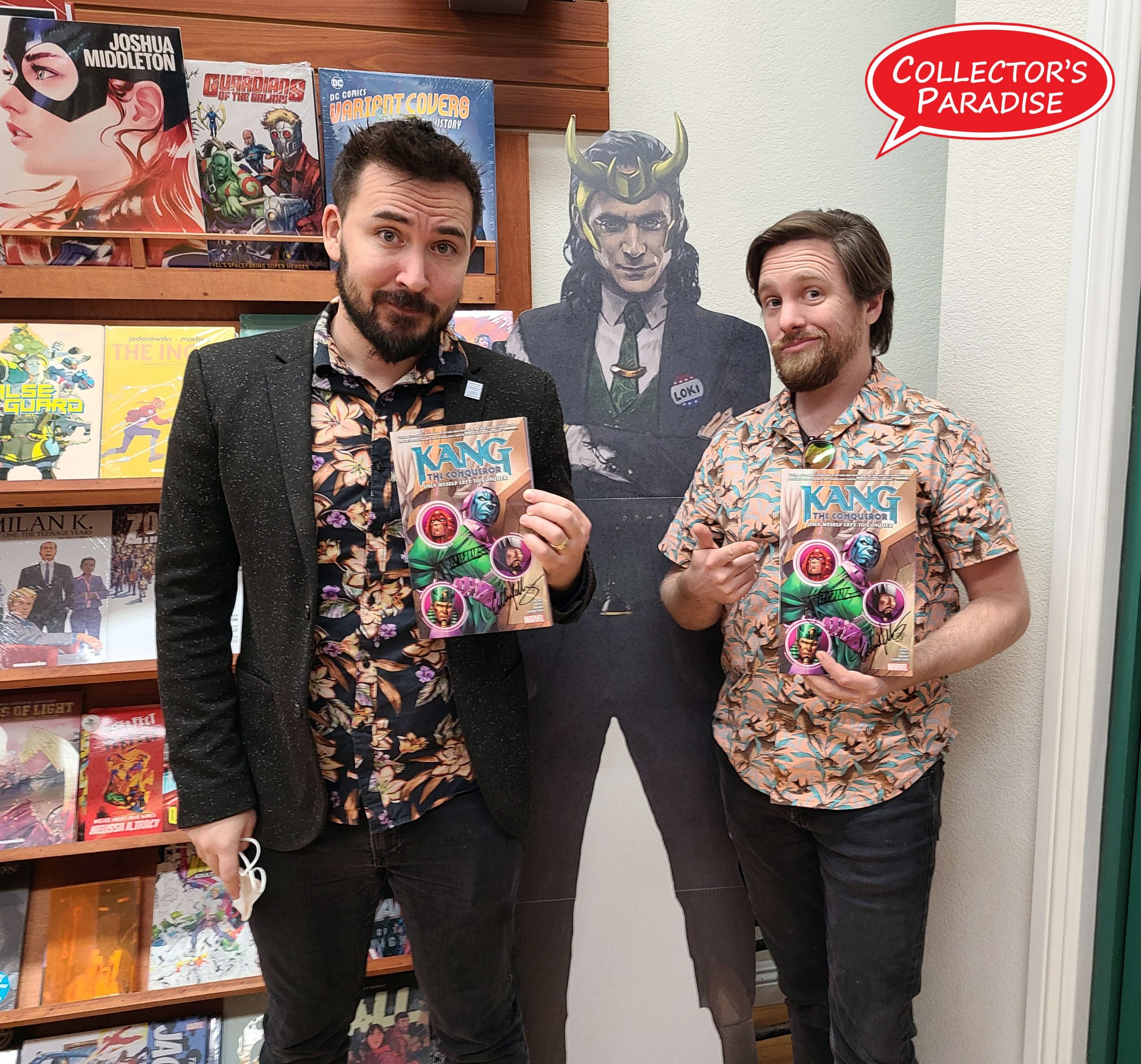
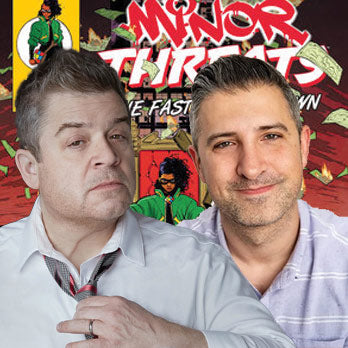
These outstanding creators are part of our Signature Series pre-orders, and will sign every issue of their books you pre-order, @cover price!
WE WORK WITH THESE PUBLISHERS TO ORGANIZE EVENTS, COORDINATE WITH CREATORS AND PROOMOTE ON SOCIAL MEDIA
Boxes of comics, from all eras, with exclusive variants, signed comics and other cool surpises
Bundles of 10 comics (DC, Marvel or Indie) with a GUARANTEED Signed Comic Book with CoA!
LIMITED TO 500 COPIES PRINTED OR LESS, TRUE COLLECTIBLE ITEMS, MANY AVAILABLE SIGNED BY CREATORS
STOP BY OUR THREE AMAZING LOCATIONS WHEN IN TOWN!


5118 Lankershim Blvd N. Hollywood, California 91601
818-980-2665


